
Starlink Technician & Support Services in Dubai
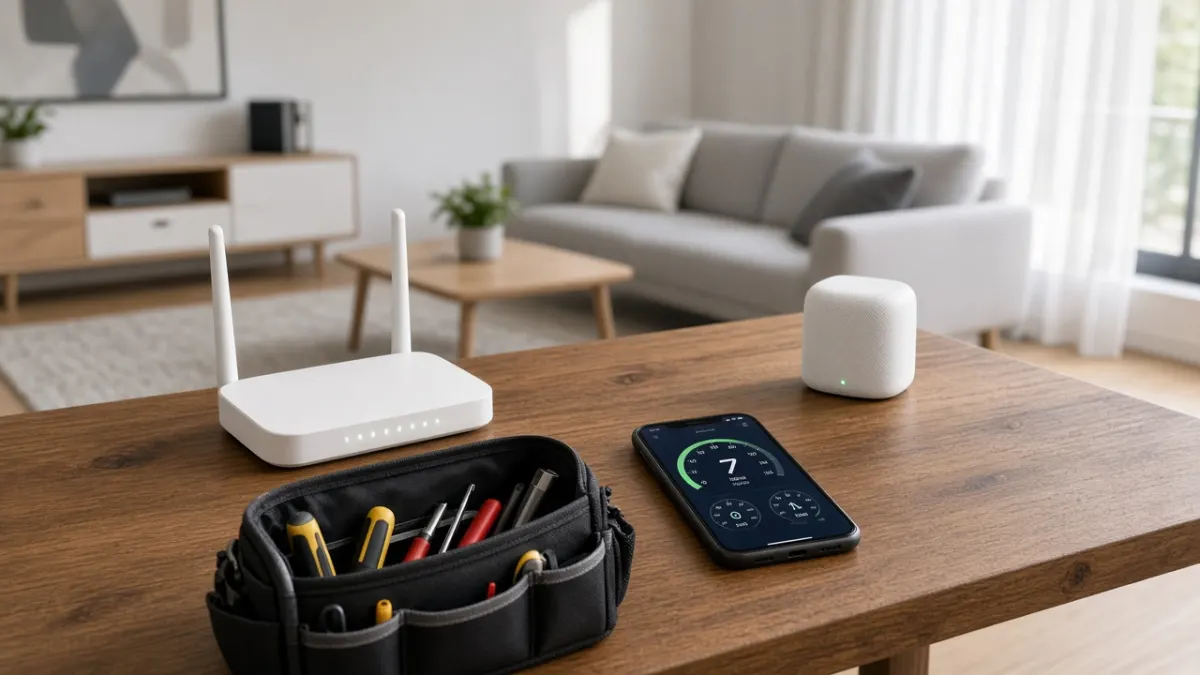
When your Starlink stops working, it disrupts work, school and entertainment all at once. Borassus Electronics LLC provides on-site Starlink technicians in Dubai who diagnose and fix connection problems, improve WiFi coverage, and move dishes to better positions. We support systems we installed as well as kits set up by owners or others. New installations are covered on our Starlink installation Dubai page.
Common Starlink Problems We Fix
Starlink Offline or Disconnected
An offline status can result from power issues, a damaged or loose cable, router faults, or account and service status. We check each part of the chain in order, from the power supply and cable connectors to the router and app status.
Obstruction and Frequent Dropouts
Short interruptions every few minutes usually mean something is blocking the dish’s view. New buildings, growing trees, or equipment added to the roof can create obstructions over time. We run a fresh obstruction scan and recommend raising or relocating the dish.
Slow Speeds
Slow internet is not always the dish. Weak WiFi, too many devices on one band, or router placement inside a concrete villa are common causes. We test speeds near the router and at the problem rooms to locate the bottleneck.
Router, Mesh and WiFi Extension
Large villas and offices often need more than one router. We configure Starlink mesh units or compatible third-party routers and access points, and can set up the Starlink router in bypass mode when a separate router is used.
Cable and Hardware Damage
Cables can be crushed, chewed or heat-damaged. We inspect the cable route and connectors and advise on replacement. Where hardware appears faulty, we help you document the issue for Starlink’s own support process.
Dish Relocation
Moving home, renovating or adding a solar array may mean the dish needs a new spot. We remove, remount and re-route as part of our Starlink roof installation work.
Support for Homes and Businesses
For households, we focus on stable WiFi in bedrooms, study areas and TV rooms, and can connect smart TVs and streaming devices, an area our team already works with every day. For offices, shops and site offices, we look at device numbers, wired connections for key equipment, and simple network separation for guests. Whatever the setup, we explain what we changed so you can manage the system confidently afterwards.
How We Troubleshoot
- Describe the problem: send us screenshots from the Starlink app (status, obstruction map, outages) by WhatsApp.
- Remote first look: some problems, such as settings or router placement, can be identified from the screenshots.
- On-site diagnosis: we test power, cable, dish, router and WiFi coverage.
- Fix: repositioning, re-cabling, router configuration or adding access points.
- Verify: we confirm a stable connection and speeds in the rooms you use.
Quick Checks You Can Do First
- Restart the system by unplugging the power for a short time, then reconnecting.
- Check the cable is fully seated at both ends.
- Open the app’s obstruction view and look for new red zones.
- Check the app for any service notifications or account issues.
Portable kit giving trouble? See our Starlink Mini support and setup page. We also visit sites through our Starlink installation UAE service.
Frequently Asked Questions
Why does my Starlink keep going offline?
Common causes include obstructions, power interruptions, loose or damaged cables, router issues and account or service status. A step-by-step check usually finds the cause.
Can you fix slow Starlink WiFi in a villa?
Often yes. Slow speeds in some rooms are frequently caused by WiFi coverage rather than the dish, and can be improved with better router placement or mesh access points.
Do you repair Starlink dishes?
We diagnose faults, replace cables and accessories, and reposition equipment. Hardware faults inside the dish are handled through Starlink’s own support process, which we can help you document.
Can I use my own router with Starlink?
Yes. Starlink routers support a bypass mode so a third-party router can manage the network. An adapter may be required depending on the kit.
Can you move my Starlink to a new home?
Yes. We can remove the dish and reinstall it at your new address. You may also need to update your service address in your Starlink account.
Do you support Starlink systems you did not install?
Yes. We troubleshoot and support kits installed by owners or other installers.
Ready to get connected? Talk to Borassus Electronics today.
Call +971 55 750 6677WhatsApp UsBorassus Electronics homeRelated Starlink Services
- Starlink installation in Dubai
- Starlink Mini setup
- Starlink installation across the UAE
- Starlink roof mounting
Borassus Electronics LLC is an independent installation and technical service provider and is not affiliated with, or an authorised reseller of, Starlink or SpaceX. Starlink is a trademark of SpaceX.